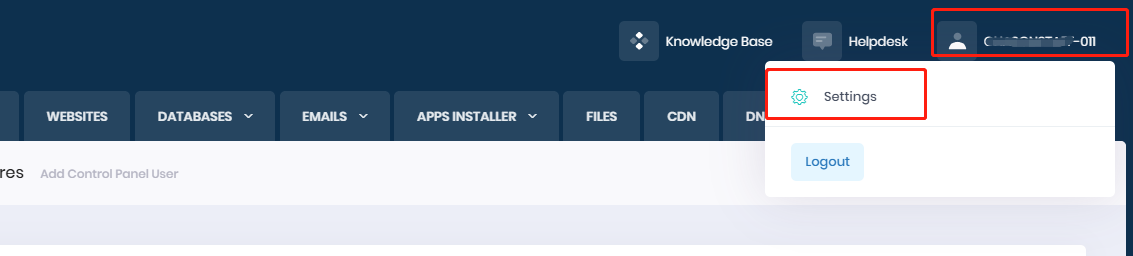
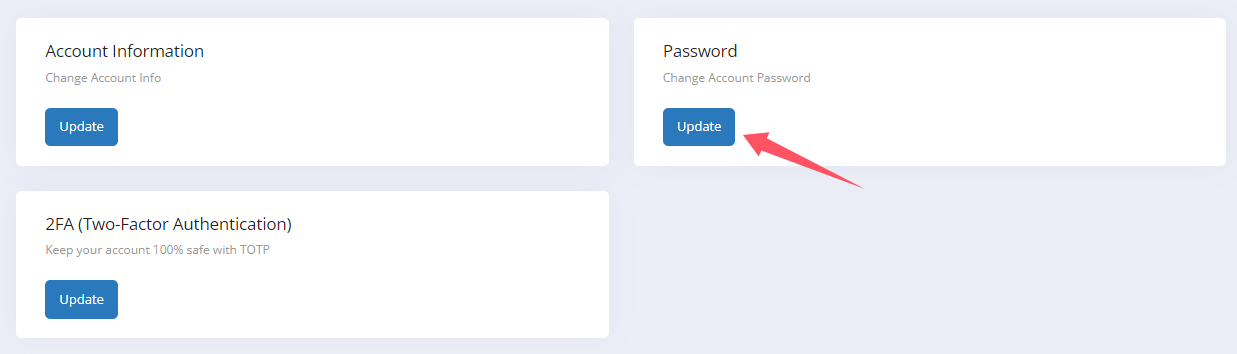
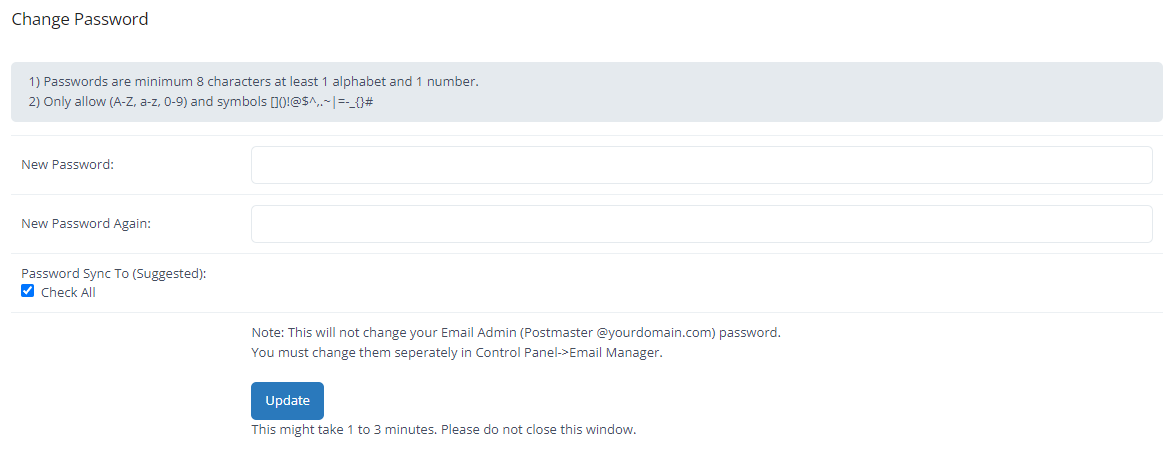
If you want to change the login password for your SuperiorASP.NET hosting control panel, please log in to the control panel with your current password. Then, navigate to the 'Settings' page and click 'Update' for 'Password'. You’ll then be able to change your password.